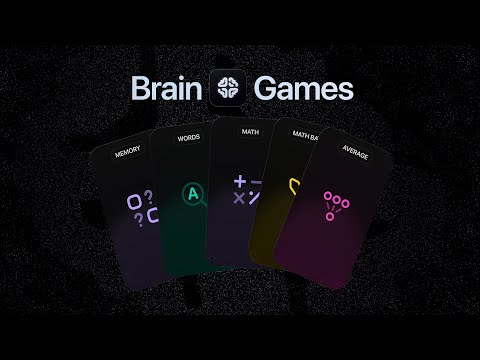
Introducing Brain Games: Puzzles that make you smarter, before you scroll.
Brain Games interrupt mindless scrolling with a quick challenge. Solve a math problem, word game, or puzzle to unlock blocked apps, turning every distraction into a moment of intentionality.
Im too quick at these and it doesn’t slow me down enough from opening my apps. I find myself switching back to the puzzles to get around the waiting period. But the waiting period is the only thing that works for me.
Please please remove the puzzles or make a way for me to lock in which waiting room I want for the block.
I have this same problem but the thing is if I had self control I wouldn’t use opal at all what I find myself doing is tapping on break then at the top right I tap to turn focused games back on then turn off breathing exercises then I reload the break and it reloads with the puzzle which I can do within 5 seconds. Thus defeating the whole purpose of having opal.
Can you please make the feature to turn on the games only appear after you waited to start the break. Like how to edit your blocked apps you must enter the break area to edit first same for this feature would be great.
Please make the games way harder, or add a difficulty toggle to the brain games tab in settings - I’m not getting enough dopamine from the to stop me from taking a break!